Whether you're organizing your work, correcting a typo, or simply giving your project a more fitting title, renaming a saved project is quick and easy. This guide walks you through the steps to update your project name directly within the FloorCapture app.
- Open FloorCapture and tap My Projects.
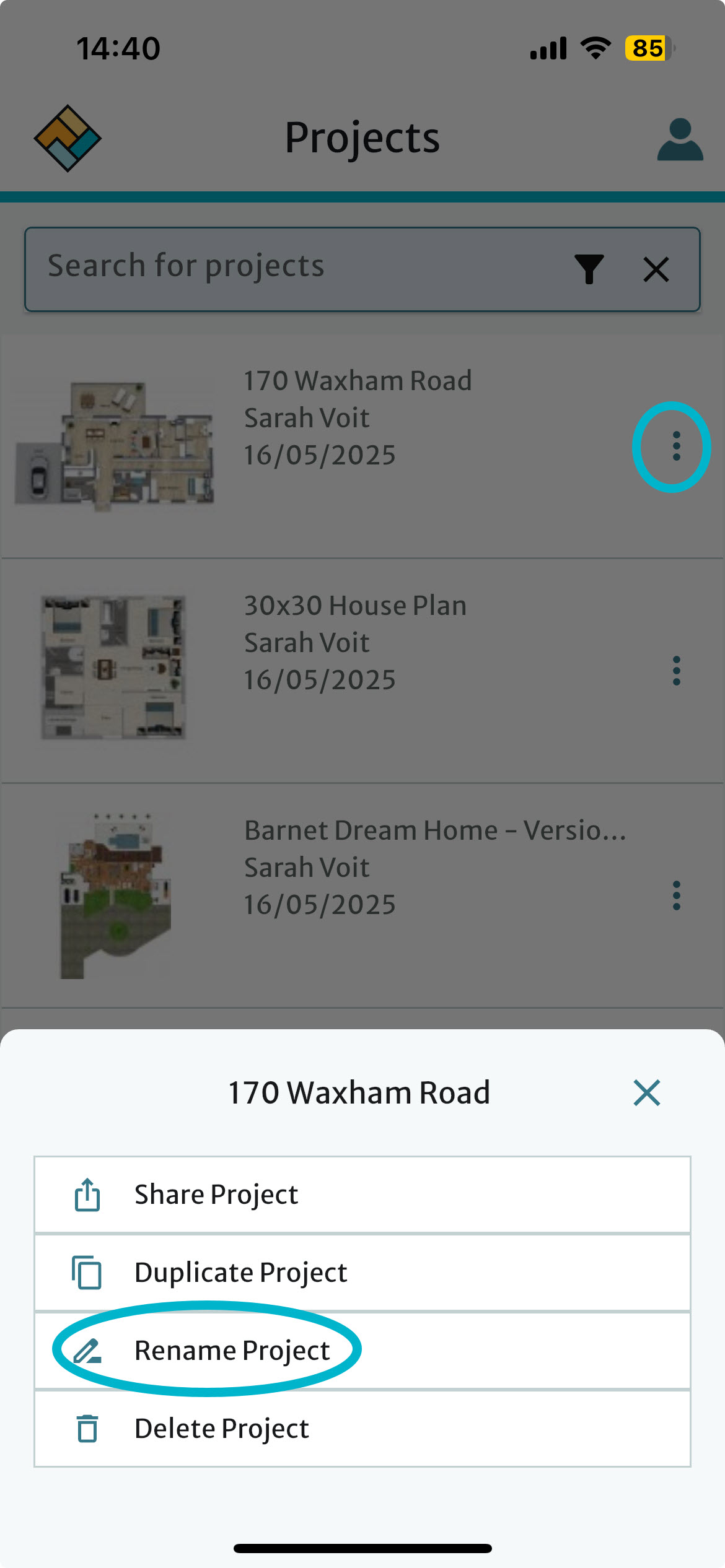
- Tap the three dots on the right for the project where you want to change the name.
- Tap Rename Project.
- Make any changes and tap Rename.
See also
Was this article helpful?
That’s Great!
Thank you for your feedback
Sorry! We couldn't be helpful
Thank you for your feedback
Feedback sent
We appreciate your effort and will try to fix the article