Would you like to edit the name of a floor (or level) within a project, for example, to correct a typo or to give your floor a more fitting name? FloorCapture allows you to rename any floor with just a few steps. Here’s how.
- Open FloorCapture, tap My Projects, and open the project containing the floor/level you want to rename.
- On the Project page, tap the level name.
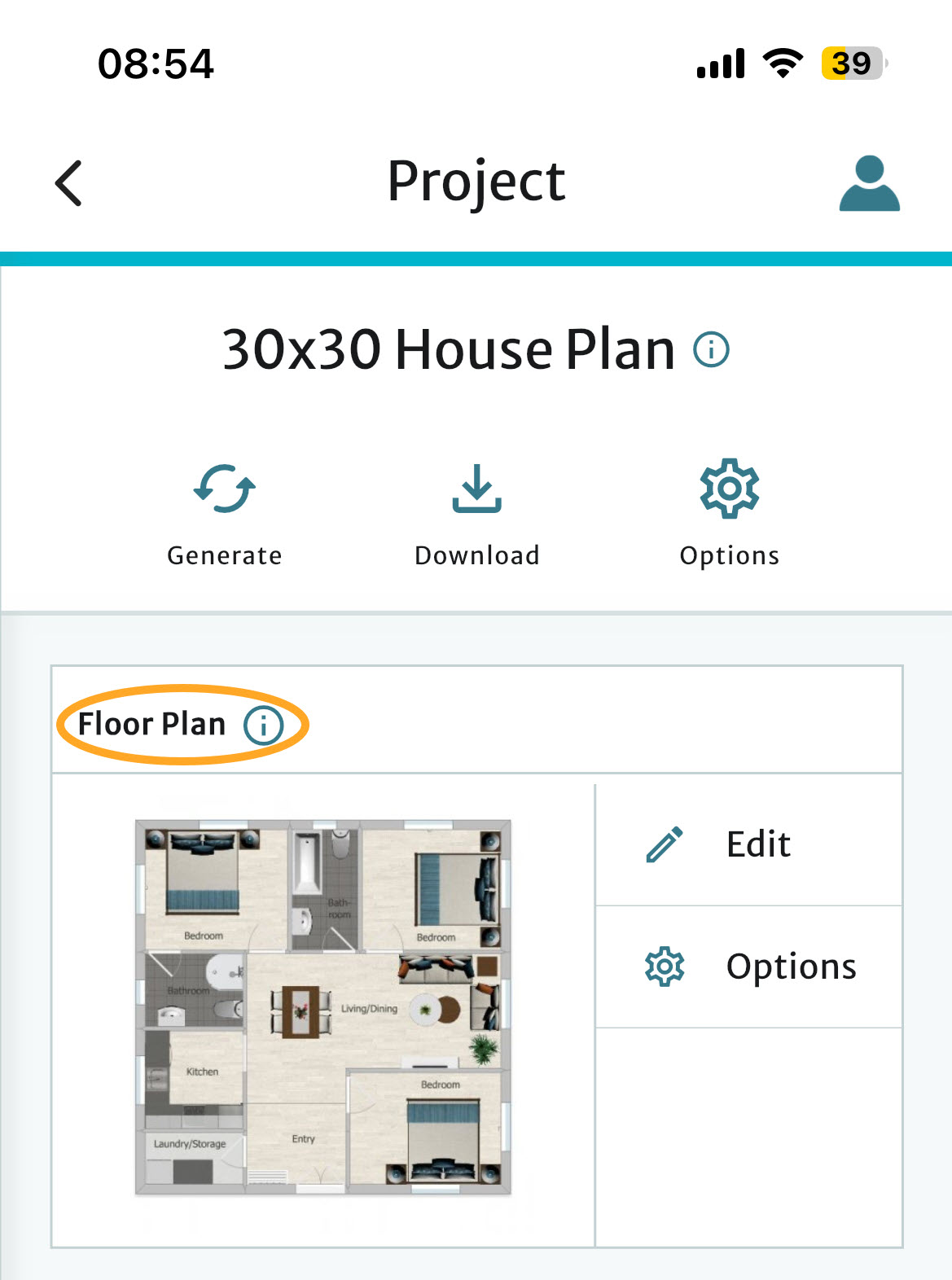
- On the Floor Properties page, edit the Floor Name.
- Tap Save.
See also
Was this article helpful?
That’s Great!
Thank you for your feedback
Sorry! We couldn't be helpful
Thank you for your feedback
Feedback sent
We appreciate your effort and will try to fix the article